Where your heart rate comes from
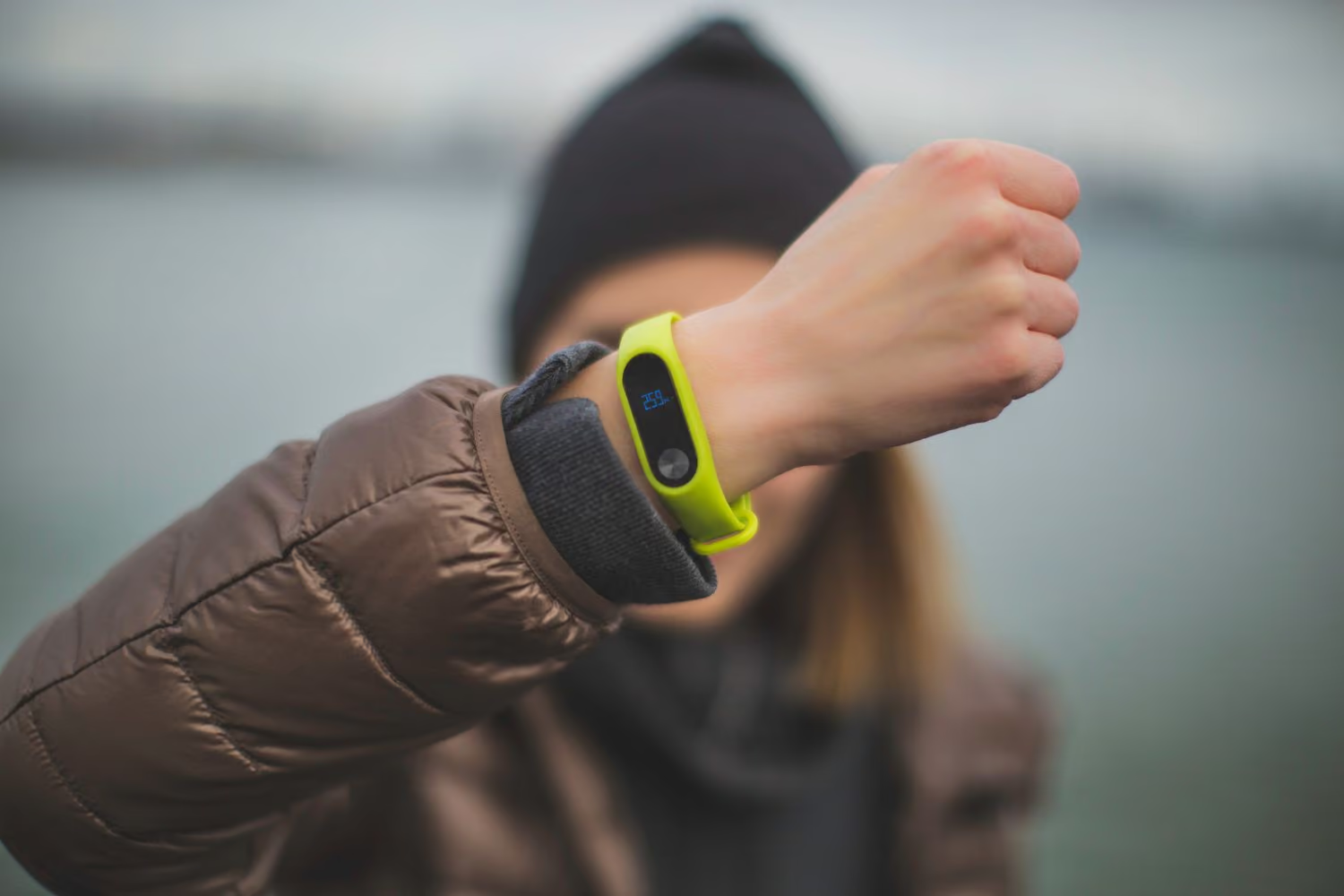
Konquo reads your heart rate (HR) point by point in the trace of your activity. It comes with your imported activities: a connected watch or GPS bike computer, a FIT file, Apple Health or Health Connect. With Apple Health and Health Connect, each GPS point gets the nearest reading in time, within 30 seconds; beyond that, the point stays without HR.
Average, max and min HR
Average HR is the average of every reading in your trace. Max HR and min HR are the highest and the lowest reading. These figures and the chart are free.
Heart rate zones
Your 5 zones are bands of your reference max HR. Konquo takes the highest of three values: the max HR of this activity, the highest HR seen over a year by your connected watches or GPS bike computers, and the estimate from your age (208 - 0.7 x your age). A max HR typed in your settings comes before everything.
| Name | Share of your max HR | |
|---|---|---|
| Z1 | Recovery | below 60 % |
| Z2 | Endurance | 60 to 70 % |
| Z3 | Tempo | 70 to 80 % |
| Z4 | Threshold | 80 to 90 % |
| Z5 | VO2 max | 90 % and above |
The time in each zone adds up the intervals between two points that carry an HR, stops included. The percentages are worked out on that measured time only. Heart rate zones are part of Konquo+.
Cardiac drift
In the advanced analysis (Konquo+), Konquo splits your activity into two halves of time and keeps only the moments when you are moving. For each half, it divides your speed by your average HR. The drift is the drop, in percent, of that ratio from the first half to the second. It needs at least 5 minutes of readings while moving in each half. Above 5 %, the app calls it a marked drift.
Was this article helpful?
Log in to rate this article.
Log inStill got a question?
Our team replies on Discord or by email, in French and English.